
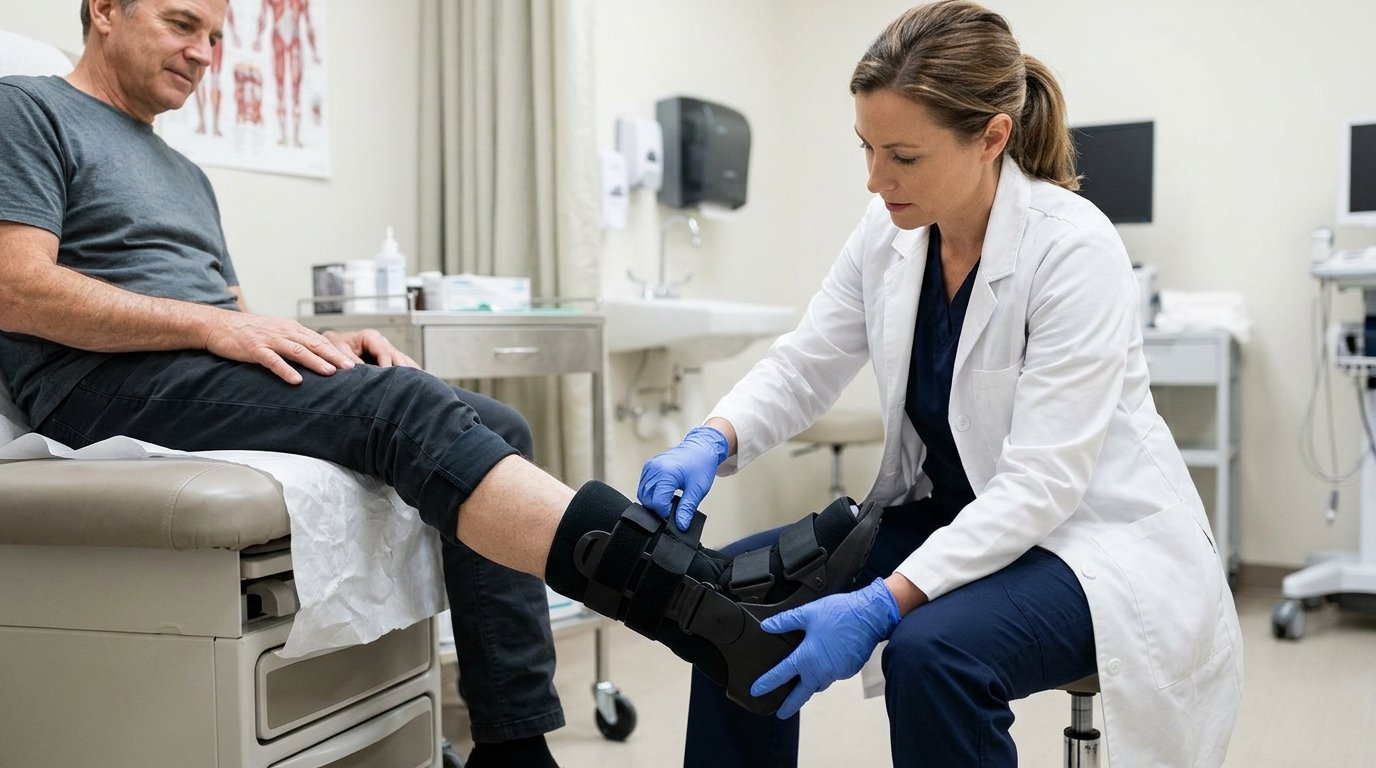
Walking Boot CPT Code Reference: Match the Device to Its HCPCS Code
A walking boot cpt code search usually points toward four primary prefabricated orthosis codes. These codes separate pneumatic or vacuum devices from non-pneumatic devices. Additionally, they distinguish off-the-shelf delivery from custom fitting performed by someone with appropriate expertise. The comparison below summarizes these categories without reproducing the complete official code descriptions.| HCPCS code | Walking boot category | Fitting classification |
| L4360 | Pneumatic and/or vacuum | Prefabricated, custom fitted |
| L4361 | Pneumatic and/or vacuum | Prefabricated, off-the-shelf |
| L4386 | Non-pneumatic | Prefabricated, custom fitted |
| L4387 | Non-pneumatic | Prefabricated, off-the-shelf |
Pneumatic Walking Boot Coding: L4360 vs. L4361
Pneumatic, Air, and Vacuum Features
For pneumatic devices, walking boot cpt code selection begins with the product’s documented construction. Confirm whether the supplied model includes pneumatic or vacuum features. Review manufacturer specifications rather than relying exclusively on an inventory nickname. Also, identify the exact configuration delivered when a product family offers different liners or components.An air walking boot description can help locate the relevant product information. Still, descriptive wording cannot establish the fitting classification. Record the model, relevant features, and fitting details together. This approach helps another reviewer understand your selection without reconstructing the encounter from memory.Custom Fitting vs. Minimal Self-Adjustment
The walking boot cpt code distinction between L4360 and L4361 depends on fitting requirements. Routine strap adjustment does not automatically support custom-fitted classification. Nor does delivery by a clinician automatically establish specialized fitting. Instead, examine the actual modifications and the expertise those modifications required.More than minimal adjustment supports custom fitting when an appropriately qualified individual performs the necessary modifications. Document what changed, why the patient needed that change, and who performed it. Avoid vague entries such as “fitted successfully” when reporting specialized modification work. Specific descriptions make the fitting decision easier to evaluate during claim review.Non-Pneumatic Walking Boot Coding: L4386 vs. L4387
Device Features Supporting the Non-Pneumatic Category
For non-pneumatic devices, walking boot cpt code review follows the same product-first approach. Check the specifications for the supplied boot and confirm its non-pneumatic construction. Then compare the fitting record with the appropriate classification. Do not select the code solely because another patient received a visually similar device.L4386 describes the prefabricated, custom-fitted category, while L4387 describes the off-the-shelf category. The distinction concerns the fitting necessary for that patient. Therefore, appearance alone cannot resolve the choice between these codes. Keep product identification and fitting evidence together within the supporting records.Fitting Documentation Supporting the Final Code
Support walking boot cpt code selection with meaningful descriptions of necessary modifications. Explain the patient-specific fitting issue before describing the work performed. Next, record the adjustments and identify the individual responsible. This sequence connects the clinical need with the final device configuration.Custom fitted and custom fabricated represent different classifications.>Custom fitting starts with a prefabricated product.
>Custom fabrication involves a different manufacturing pathway and requires separate coding consideration. The CMS lower limb orthoses guidance addresses these distinctions and supporting documentation.
CAM Walker Boot Coding for Short and Tall Designs
A CAM walking boot cpt code search cannot resolve coding through the CAM label alone. CAM commonly refers to controlled ankle motion. Short and tall descriptions identify design characteristics rather than complete billing classifications. Consequently, confirm pneumatic status and fitting requirements for the specific device.| Product wording | Information requiring confirmation |
| Short walking boot | Construction and fitting category |
| Tall walking boot | Construction and fitting category |
| CAM walker boot | Actual specifications and delivered configuration |
| Air walking boot | Pneumatic features and fitting performed |
Walking Boot Application CPT Code and Included Fitting Services
Fitting and Adjustment Included in the Orthosis Allowance
A walking boot cpt code search often reflects uncertainty about charging separately for device application. Under Medicare’s orthosis policy, the allowance includes evaluation, measurement or casting, and fitting or adjustments. Accordingly, routine fitting does not create a separate Medicare payment. Review the CMS orthosis policy article before adding related charges.For walking boot cpt code billing, distinguish included fitting from independently supported professional services. A separate service requires its own clinical justification and applicable reporting support. Do not assume every encounter permits an additional procedure charge. Also, examine the payer’s rules before applying Medicare payment principles to another insurance plan.Walking Cast Application vs. Removable Walking Boot Delivery
CPT 29425 concerns application of a short leg walking cast. Delivering a removable boot does not establish that someone applied this cast. Therefore, the procedure note must identify the service actually performed. The CMS procedure listing identifies 29425 as a walking cast application procedure.| Documented activity | Billing review |
| Delivery and routine boot fitting | Review applicable orthosis coding and included services |
| Actual walking cast application | Evaluate the appropriate procedure and payer rules |
| Separate clinical evaluation | Review independent support and applicable bundling rules |
CROW Walker and Pressure-Offloading Devices Require Separate Review
L4631 for a Qualifying Custom-Fabricated CROW Orthosis
A CROW walking boot cpt code search requires a separate device assessment. CROW refers to a Charcot restraint orthotic walker. L4631 identifies a qualifying custom-fabricated orthosis with specific construction characteristics. A product nickname alone cannot establish that the device meets those characteristics.Review fabrication records, clinical justification, and the finished device together. Also, explain why the patient requires custom fabrication rather than a prefabricated alternative. Medicare applies additional coverage criteria to custom-fabricated ankle-foot orthoses. The current ankle-foot orthosis coverage policy describes those requirements.A9283 for Solely Ulcer-Related or Pressure-Reduction Use
When reviewing a walking boot cpt code, confirm the device’s actual treatment purpose. Medicare directs solely ulcer-related or pressure-reduction uses toward A9283 under this policy. It treats A9283 as noncovered because the device lacks the relevant Medicare benefit. Do not confuse an appropriate code assignment with an assurance of payment.Documentation Supporting Walking Boot Medical Necessity
A walking boot cpt code alone cannot explain why a patient needs an orthosis. The clinical record should connect the condition with the need for stabilization. It should also describe the expected functional benefit when applicable. Medicare’s ambulatory orthosis criteria address these clinical requirements.Use the following documentation checklist:- Treating practitioner’s order.
- Relevant diagnosis and affected side.
- Clinical findings supporting stabilization.
- Expected functional benefit.
- Device identification and specifications.
- Fitting classification and necessary modifications.
- Delivery information and supporting acknowledgment.
- Applicable authorization or order timing requirements.
Diagnosis Coding That Matches the Clinical Record
Choose diagnosis codes from the documented condition rather than the device supplied. Verify anatomical location, laterality, and required encounter details. For injuries, review the applicable coding instructions before selecting encounter characters. Request clarification when the documentation cannot support the required specificity.Avoid choosing a diagnosis simply because another claim previously received payment. A paid claim does not establish the correct diagnosis for another patient. Instead, keep the diagnosis consistent with the treating practitioner’s findings. Record unresolved discrepancies for clarification rather than filling gaps through assumptions.Walking Boot Modifiers and Payer Claim Requirements
Walking boot cpt code accuracy also requires appropriate modifiers and claim formatting. For Medicare orthosis claims, RT and LT identify the affected side. For bilateral items, report separate lines with one unit each under the applicable instructions. Do not combine RTLT with two units on one line.| Modifier | Purpose under applicable Medicare orthosis instructions |
| RT | Identifies the right side |
| LT | Identifies the left side |
| KX | Indicates satisfaction of applicable coverage criteria |
| GA | Addresses anticipated medical necessity denial with a valid ABN |
| GZ | Addresses anticipated medical necessity denial without a valid ABN |
Walking Boot Billing Examples
The following walking boot cpt code examples illustrate classification rather than automatic coverage approval. Each scenario assumes that staff accurately identified the product and documented the fitting. Actual claims still require medical necessity, appropriate modifiers, and payer review. Use the examples to check your reasoning before finalizing the claim.| Illustrative scenario | Code to evaluate | Supporting distinction |
| Pneumatic boot with minimal adjustment | L4361 | Off-the-shelf fitting |
| Pneumatic boot with necessary specialized modifications | L4360 | Custom fitting |
| Non-pneumatic boot with minimal adjustment | L4387 | Off-the-shelf fitting |
| Non-pneumatic boot with necessary specialized modifications | L4386 | Custom fitting |
| Device used solely for pressure reduction | A9283 | Different treatment purpose |
Common Walking Boot Claim Errors and Denial Prevention
A walking boot cpt code review should test the claim against its supporting records. Start with device classification, then examine fitting, diagnosis, modifiers, and delivery. Next, investigate missing or contradictory information before submission. This review gives staff a consistent way to identify preventable claim problems.| Potential error | Corrective review |
| Code selected from a brand name | Confirm actual specifications |
| Unsupported custom fitting | Examine necessary modifications |
| Cast application charged for boot delivery | Compare the procedure note |
| Missing laterality | Reconcile clinical and claim records |
| Incomplete order | Obtain required information |
| Separate included-component charges | Review bundling instructions |
| Incorrect payment expectation | Check current payer allowances |
Conclusion
Accurate walking boot cpt code selection starts with the device, fitting performed, and intended treatment purpose. Match those facts with the appropriate HCPCS classification and supporting diagnosis. Then verify documentation, modifiers, delivery evidence, and payer requirements. Consistent review supports defensible claims and reduces avoidable corrections without assuming that correct coding guarantees coverage.Frequently Asked Questions (FAQs)
Get clear answers about walking boot coding, including HCPCS selection, fitting requirements, application billing, modifiers, and documentation. Understand common claim errors and payer requirements to support accurate billing.
Prefabricated walking boots generally use HCPCS Level II codes L4360, L4361, L4386, or L4387. Choose according to pneumatic features and the fitting performed. These identify the device rather than a CPT procedure.
L4361 identifies a prefabricated pneumatic or vacuum boot requiring minimal self-adjustment. L4360 applies when necessary custom fitting requires more than minimal adjustment by someone with appropriate expertise.
Boot height alone does not determine the code. Review pneumatic features and fitting requirements for the supplied model. Short and tall boots can fall within the same coding category.
CPT 29425 describes short leg walking cast application. Delivering a removable walking boot does not establish that service. Under Medicare’s orthosis policy, the device allowance includes routine fitting and adjustment.
Medicare orthosis claims require RT or LT to identify the affected side. KX, GA, or GZ may also apply under specific coverage and notice requirements. Other payers may follow different instructions.
Correct coding does not guarantee coverage. Payment also depends on medical necessity, benefit eligibility, documentation, and applicable payer requirements. Confirm authorization and supplier requirements before delivery.